
Touch Camera PRO 2026 - Easy Mobile/Desktop/Console Camera Controller
Touch Camera PRO 2026 - Easy Mobile/Desktop/Console Camera Controller
Unity Asset • Version 3.2.0 • Updated April 23rd 2025
Touch Camera PRO grew out of a practical problem: three of Exoa's other plugins (Home Designer, Level Designer, Floor Plan Designer) all needed the same camera behavior, so it was built once as its own product rather than duplicated three times. That history is why it covers a wide spread of use cases out of the box.
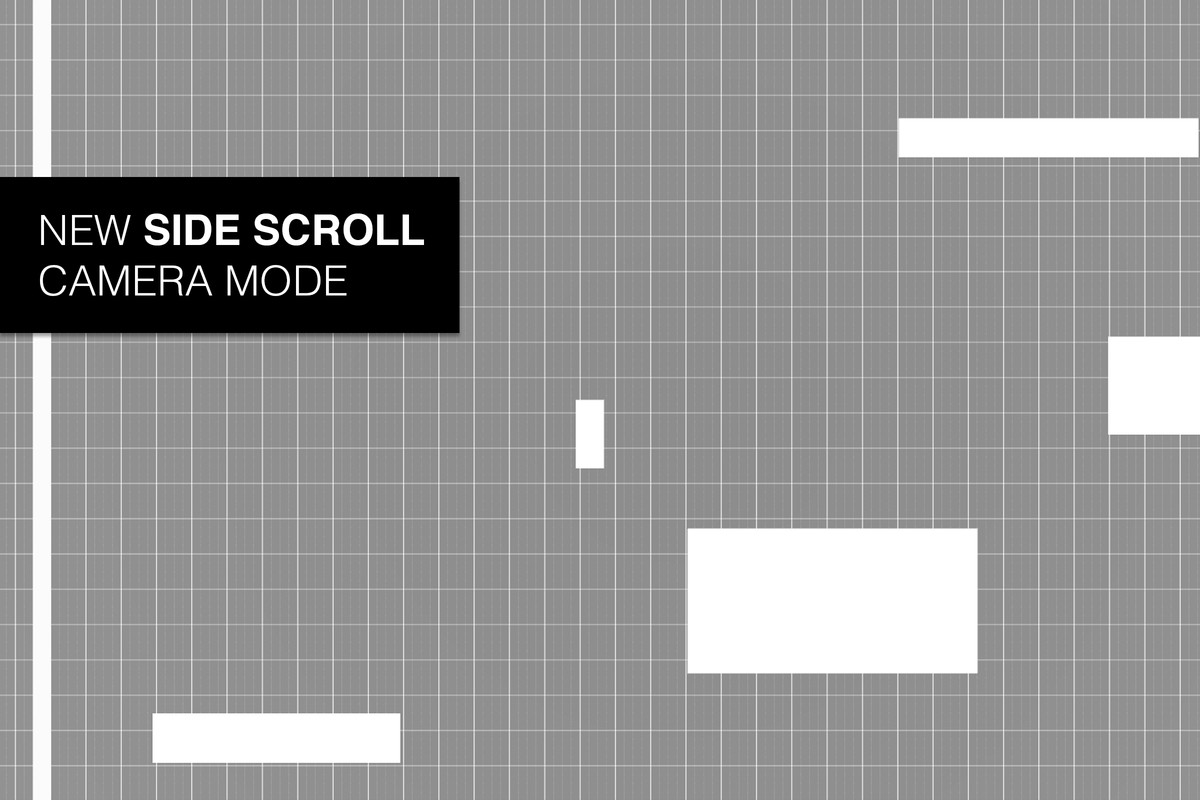
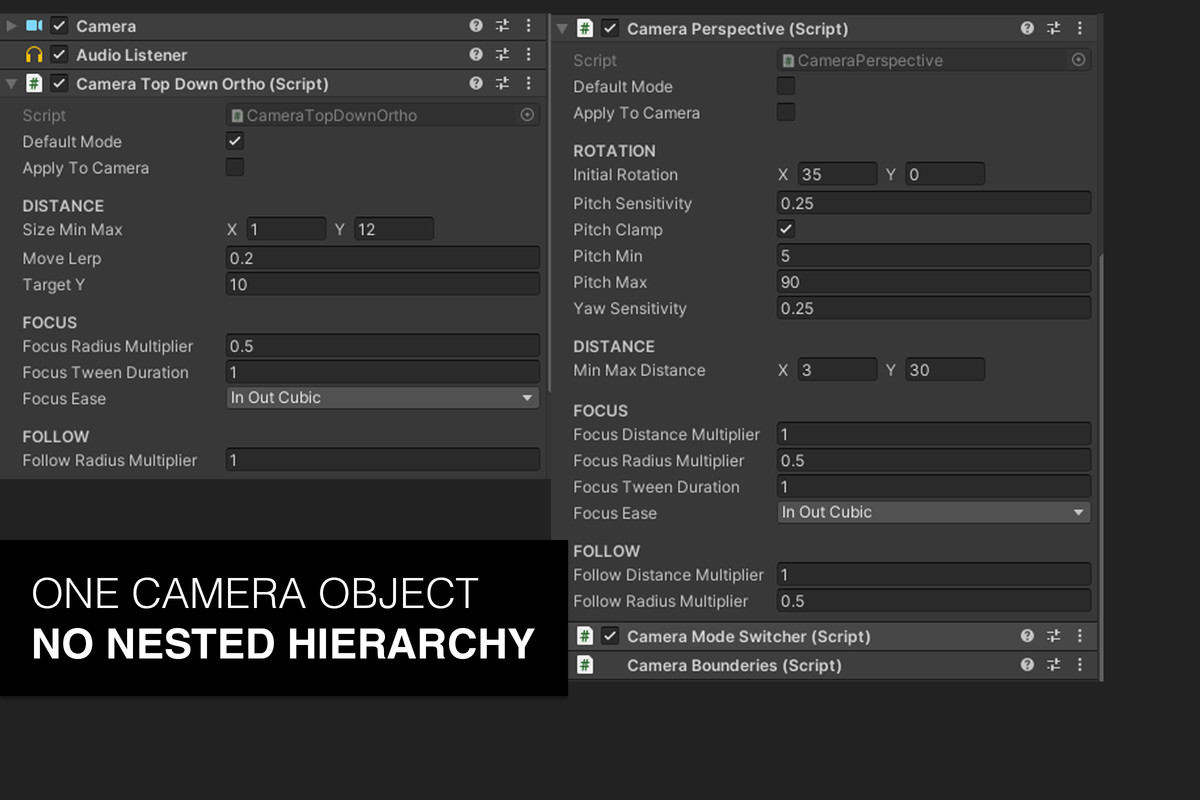
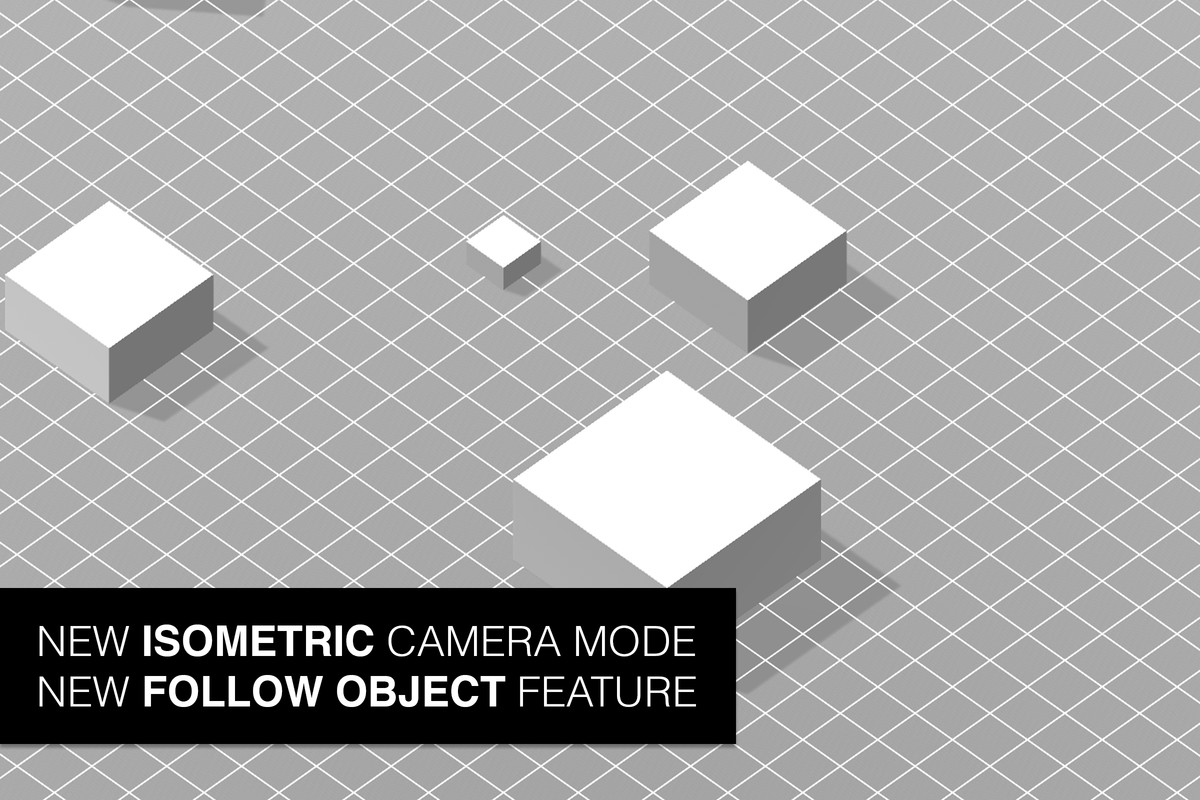
One prefab handles five perspective modes: 3D, top-down orthographic, isometric orthographic, side-scroll, and a free mode, with smooth transitions between them at runtime. Input is unified across desktop, mobile touch, and console gamepads, including multi-finger twist/pinch gestures and Cinemachine integration for teams already using it.
Typical uses include third-person and top-down action games that need to flip between camera styles mid-scene, mobile builds where touch and gamepad input both need to feel native, and any project outgrowing the two-mode Touch Camera Lite camera bundled inside Home Designer, Level Designer, and Floor Plan Designer.
What's included
- Five perspective modes with runtime transitions
- Desktop, mobile touch, and gamepad input (new Input System supported)
- Multi-finger twist/pinch, scene boundaries (square or circle), inertia options
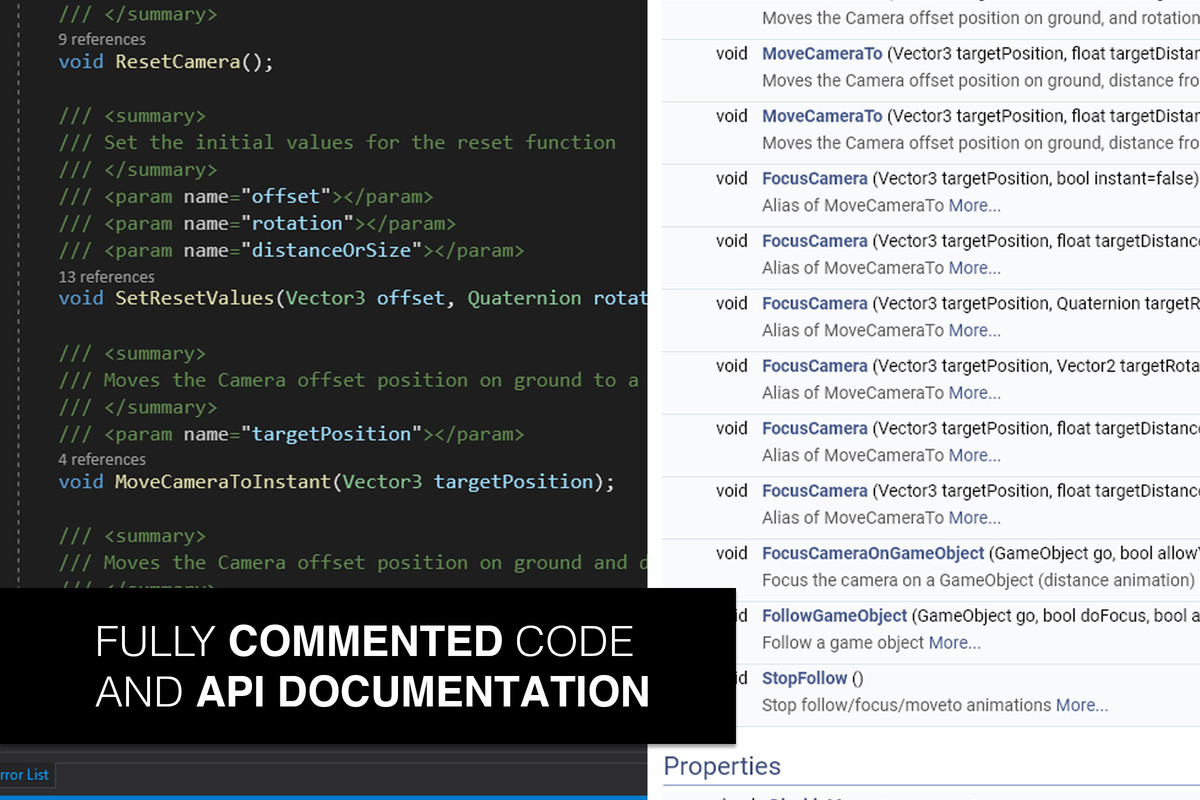
- Focus/follow object, MoveTo, and reset-camera helpers
- Cinemachine support
- 20 demo scenes, fully commented C#
- Unity 6 compatible
Common questions
Can I switch between perspective modes at runtime, or only in the editor? Switching happens at runtime with a smooth transition, so a player (or your own game logic) can flip from 3D to top-down mid-session rather than locking the choice in at build time.
Does it work with Cinemachine? Yes, Cinemachine integration is built in for teams that already use it for camera blending and virtual cameras elsewhere in their project.
What if I only need one or two of the five perspective modes? Touch Camera Lite covers 3D and top-down only at a lower price. PRO is worth the upgrade once isometric, side-scroll, free-cam, or gamepad/Cinemachine support are needed.
Demo Videos
Screenshots

Touch Camera PRO 2026 - Easy Mobile/Desktop/Console Camera Controller
v3.2.0