
Level Designer - Runtime Level Editor
Level Designer - Runtime Level Editor
Unity Asset • Version 3.0.1 • Updated November 7th 2024
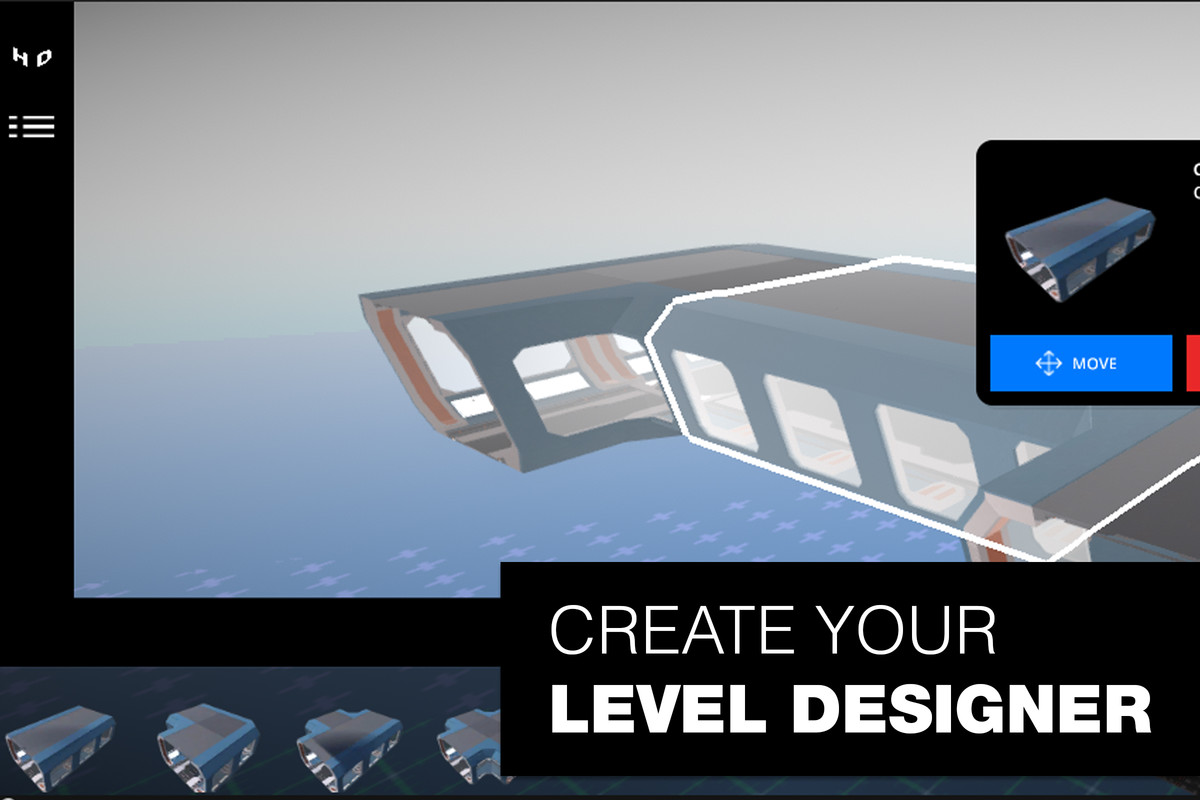
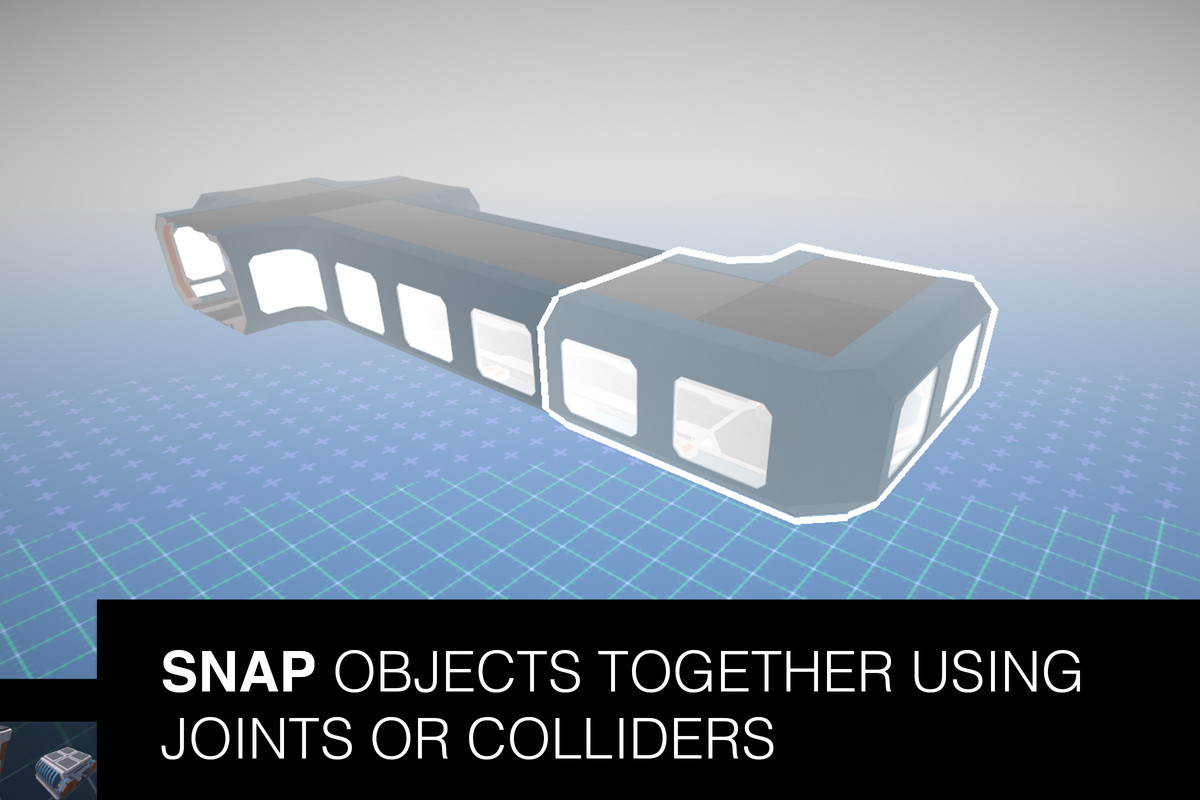
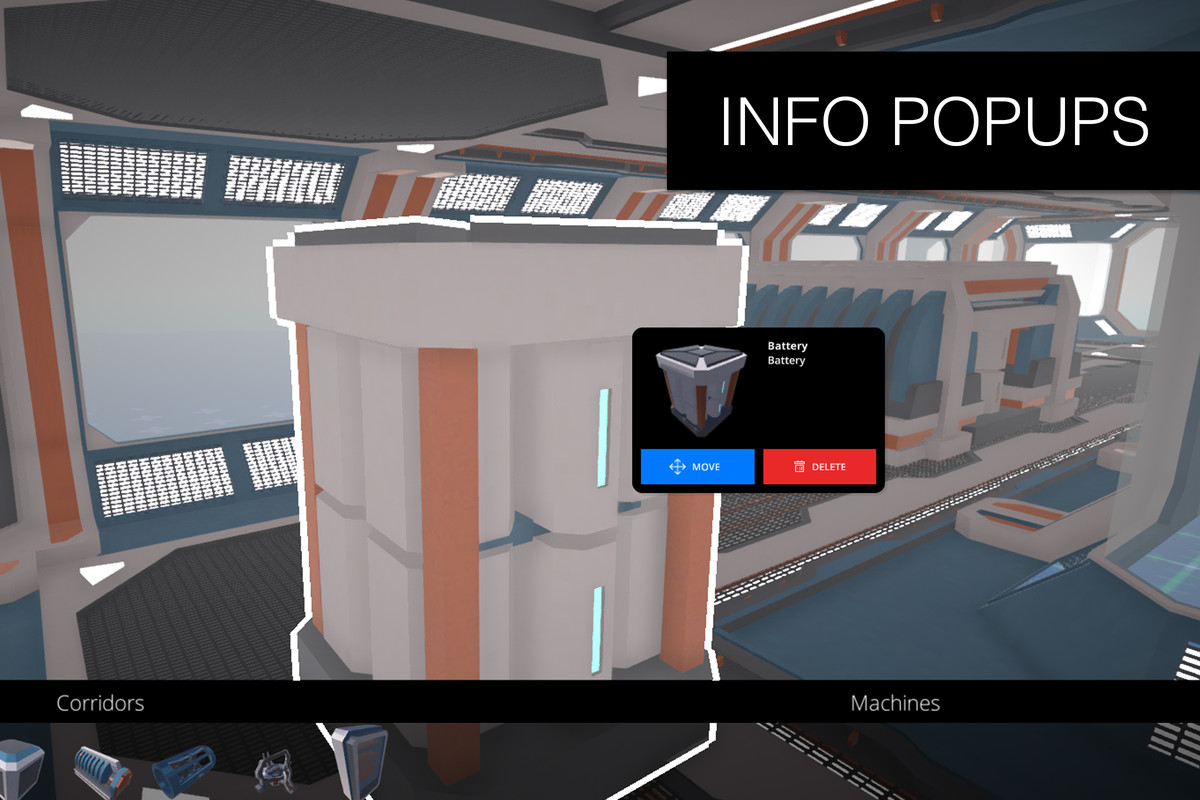
Level Designer gives players (or your own level-design team) an in-game editor for arranging prefab modules, like walls, props, and set pieces, with three snapping modes (joint, grid, and collider-based) instead of relying on manual placement or a full custom editor build.
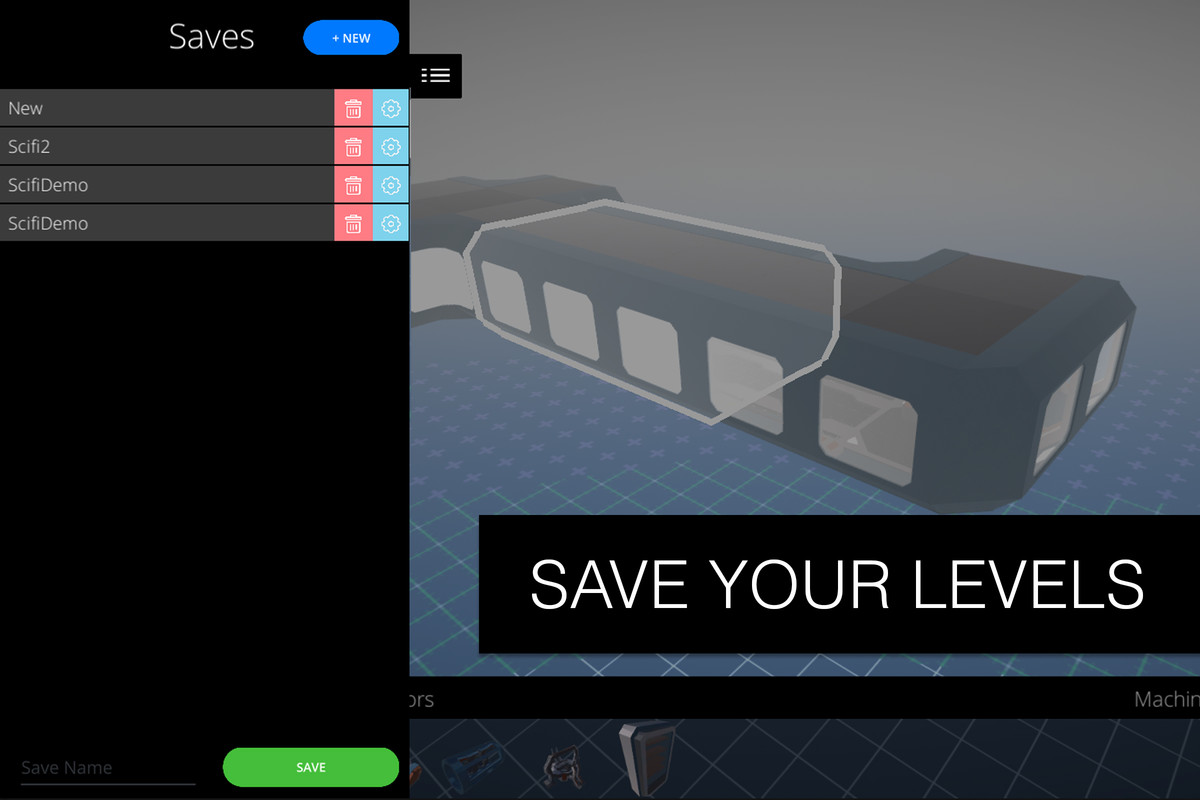
Modules are organized automatically from a Resources folder into a generated menu, with bulk thumbnail generation and JSON save/load for finished layouts. A SciFi sample set and playable scene demonstrate the full loop from placement to reloading a saved level in-game.
Fits games that ship a level editor as a player-facing feature, such as sandbox or building games, as well as internal level-design teams who want a faster, script-free way to block out levels from a shared prefab library instead of hand-placing every piece in the Scene view.
What's included
- Three snapping modes: joint, grid, and collider-based
- Automatic module menu generation with bulk thumbnails
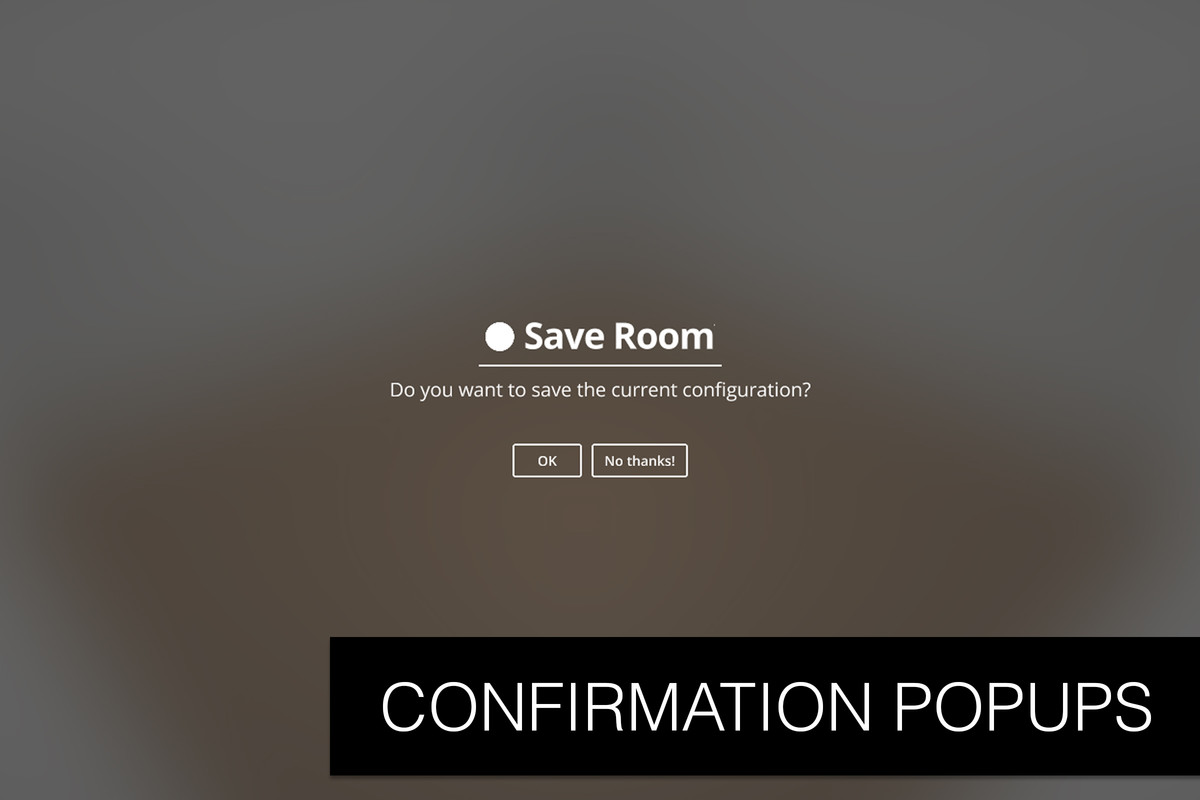
- JSON save/load, keyboard move/rotate/scale controls
- Free-included Touch Camera Lite
- Full source code, WebGL, Built-in/URP/HDRP support
Planned: full mobile touch support (camera controls are already mobile-ready), online saving, and a VR demo.
Common questions
Do I need to manually register each prefab module? No. Modules are organized automatically from a Resources folder into a generated menu, so adding a new piece is just a matter of dropping it into the right folder.
Can players save and reload their own levels? Yes. Layouts save and load as JSON, so player-built levels persist between sessions.
Is mobile touch input supported yet? Camera controls are already mobile-ready via the bundled Touch Camera Lite; full mobile touch support for the editor itself is planned but not yet shipped.
Demo Videos
Screenshots

Level Designer - Runtime Level Editor
v3.0.1