
EASY Tooltips And Overlays!
EASY Tooltips And Overlays!
Unity Asset • Version 1.1 • Updated October 9th 2023
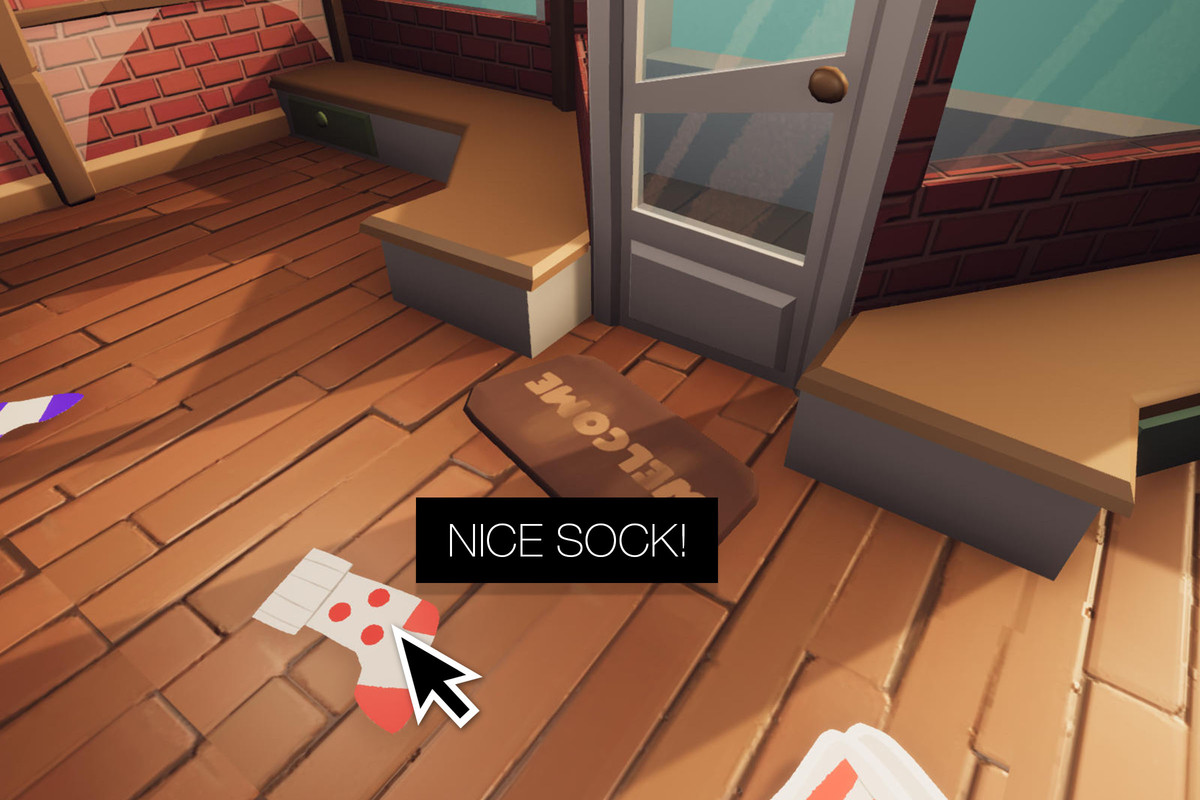
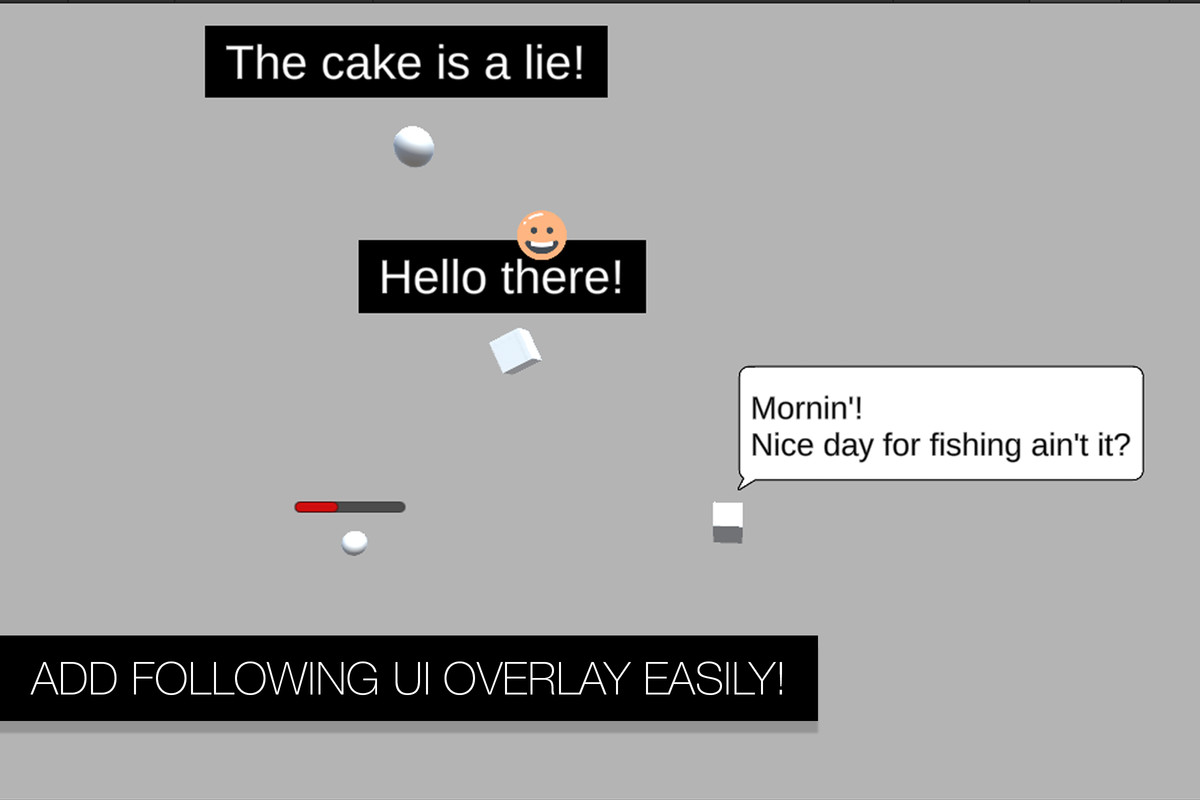
Easy Tooltips and Overlays covers two related UI problems with one system: contextual tooltips (triggered by mouse, keyboard, or gamepad) and floating UI overlays that track a 3D object in world space while staying rendered in the main Canvas. Labels and health bars keep a constant screen size instead of shrinking with distance.
Both systems work on UI elements, 3D objects, and 2D sprites, and support the legacy and new Input System side by side.
Common uses include inventory and item tooltips in RPGs, unit or building info panels in strategy games, and floating nameplates, health bars, or interaction prompts that need to stay pinned to a 3D object or sprite without scaling down as the camera moves away.
What's included
- Tooltip system for UI, 3D, and 2D targets (mouse/keyboard/gamepad)
- World-tracking UI overlays rendered at constant screen scale
- Legacy and new Input System support
- 3 demo scenes
Common questions
Does it support gamepad-only UI navigation? Yes. Tooltips can be triggered by mouse hover, keyboard focus, or gamepad navigation, so the same setup works across input methods without separate logic.
Will a world-tracking label shrink as the object moves away from the camera? No. Overlays are rendered in the main Canvas at a constant screen size, so labels and health bars stay readable at any distance instead of scaling down with perspective.
Legacy Input Manager or the new Input System? Both are supported side by side, so existing projects don't need to migrate input handling just to add tooltips.
Screenshots

EASY Tooltips And Overlays!
v1.1