
Assets Manager
Assets Manager
Unity Asset • Version 1.5.223 • Updated November 5th 2018
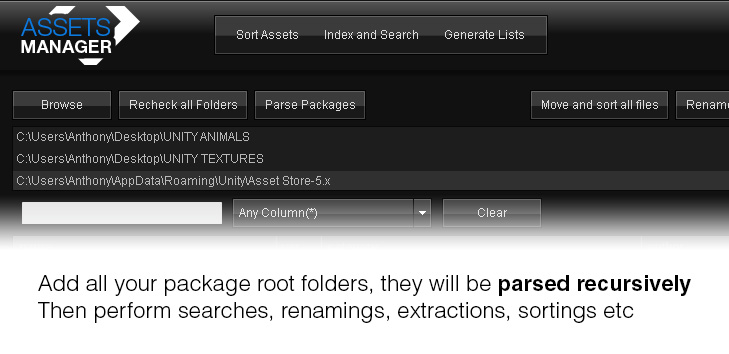
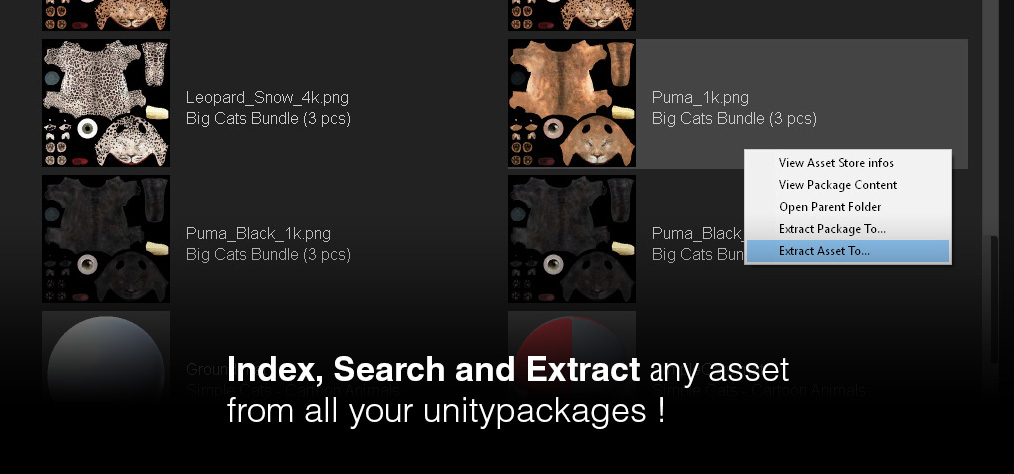
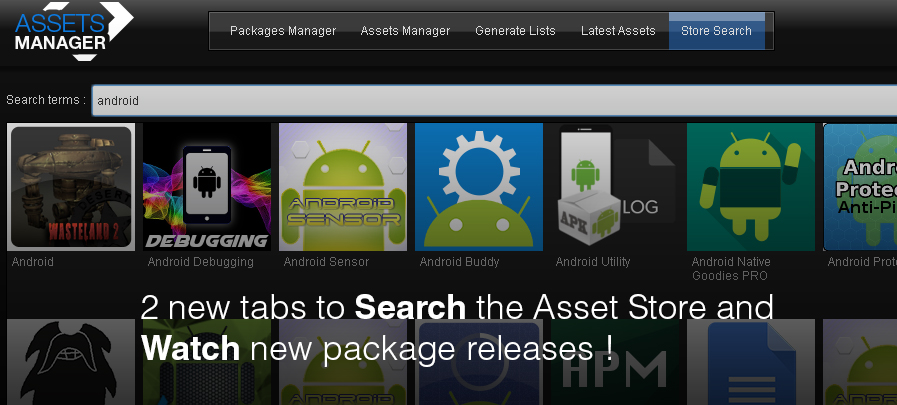
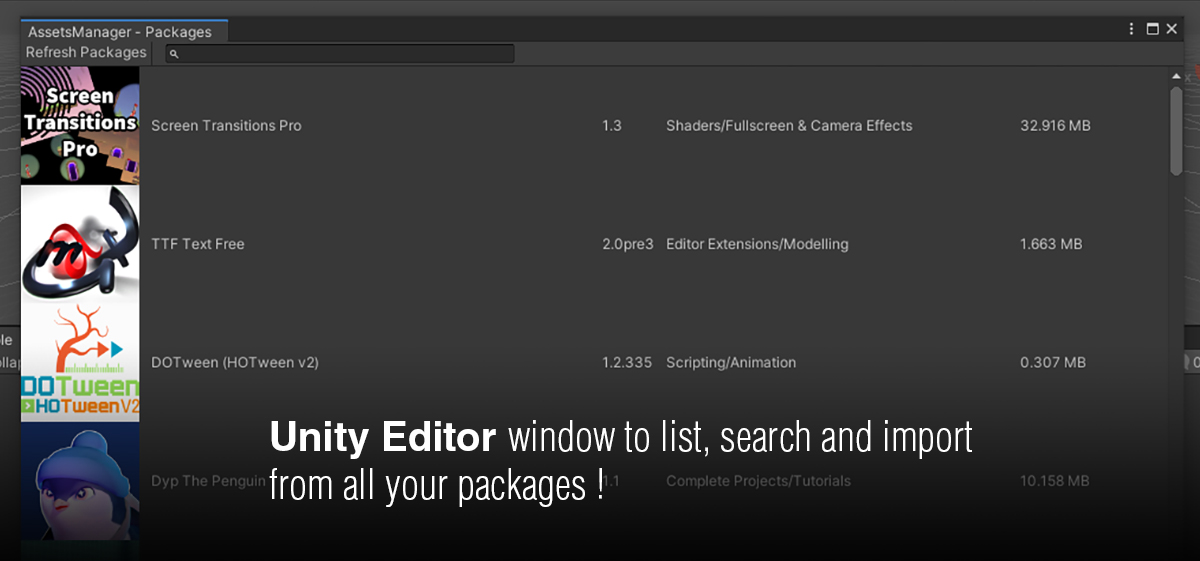
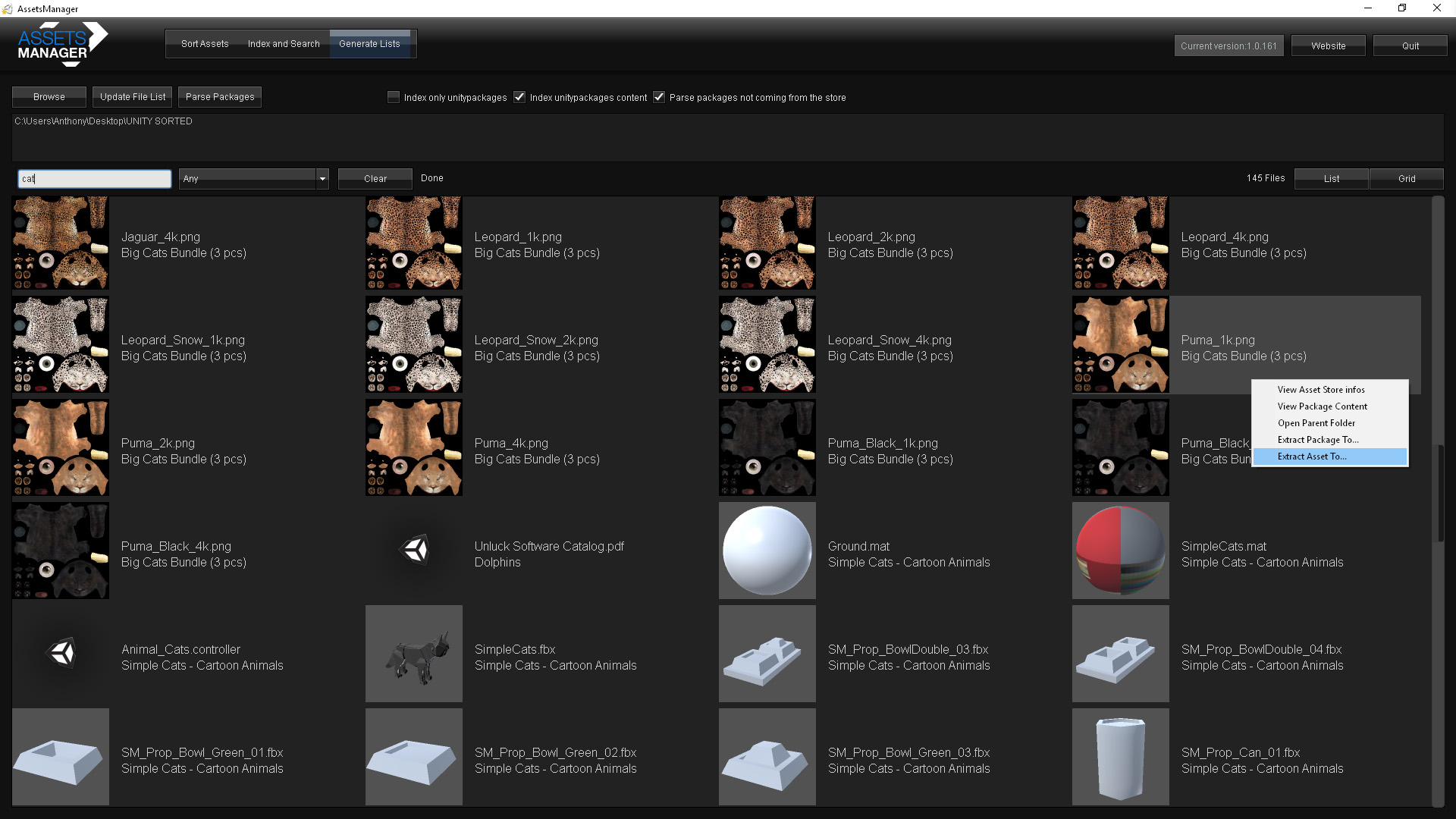
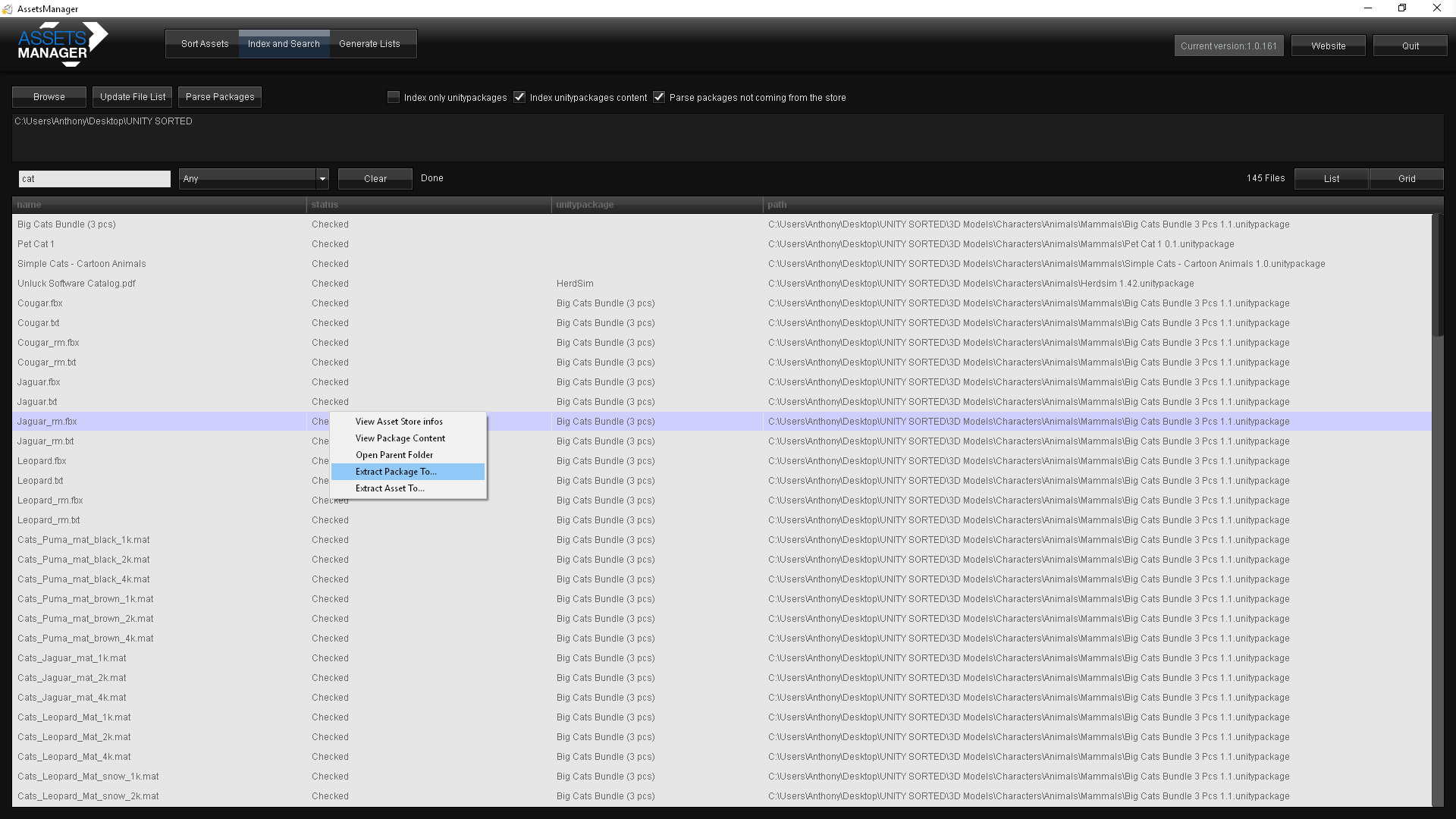
Assets Manager is a standalone Windows application (not a Unity Editor plugin) for organizing the .unitypackage files that pile up across Unity projects. Rather than digging through folders of similarly named package exports, it indexes the contents of each package so plugins, models, scripts, and other assets can be found by browsing or searching instead of re-opening every archive by hand.
A free version and a full paid version are both available, so it can be tried against a real package library before deciding whether the full feature set is needed.
What it helps with
- Indexing the contents of .unitypackage files so they're searchable
- Browsing package contents without importing into a Unity project first
- Keeping a personal or team asset library organized as it grows
Common questions
Does this run inside the Unity Editor? No. It's a separate Windows desktop application for managing package files outside of any specific Unity project.
What's the difference between the free and full version? The free version covers the core package-management workflow. The full version linked below adds the rest of the features. See the manual for a full comparison.
Is it still relevant for current Unity versions? It's been available for several years and is now at version 1.5.223. Check the linked manual for current details on supported package formats.
Demo Videos
Screenshots

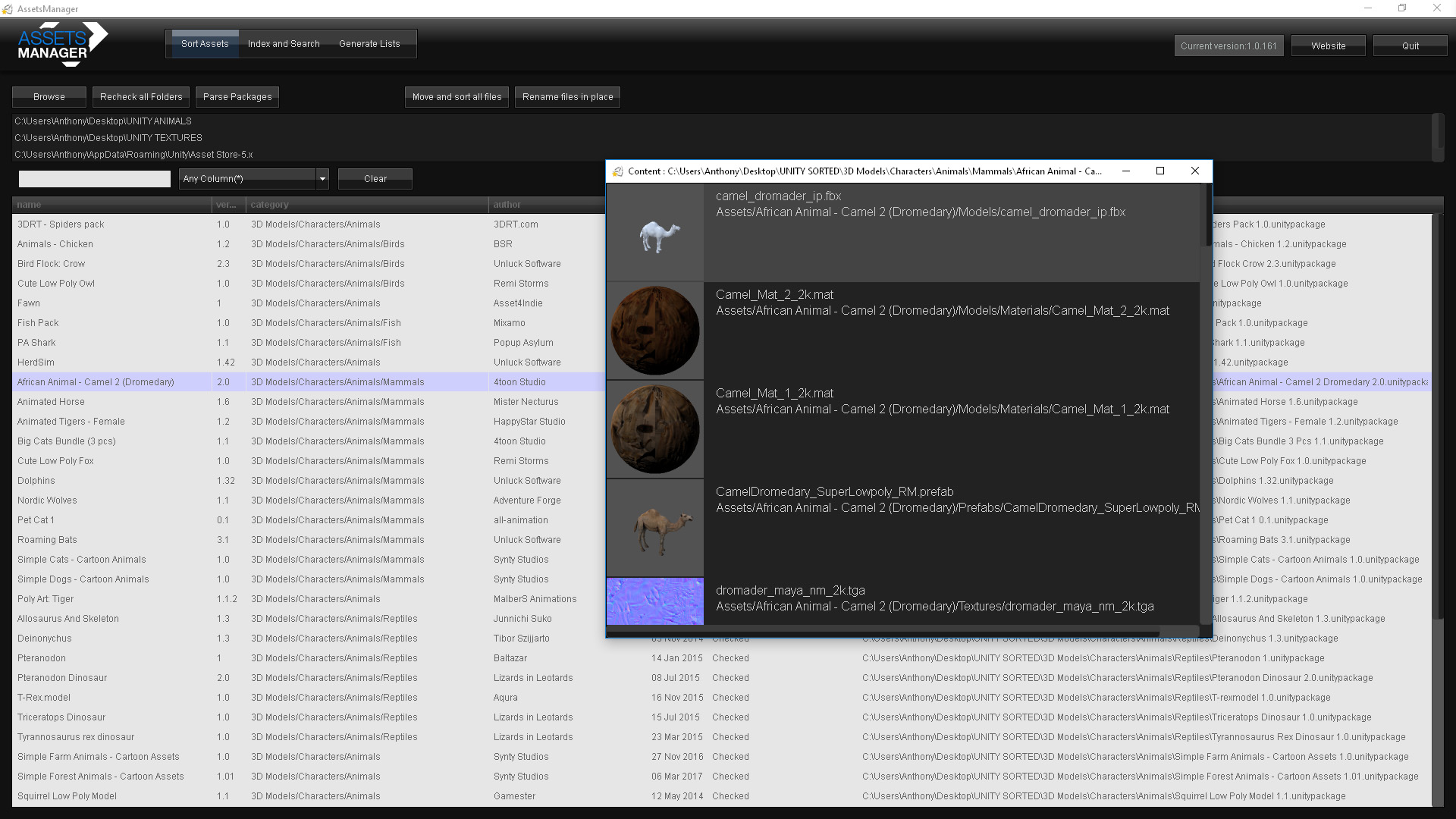
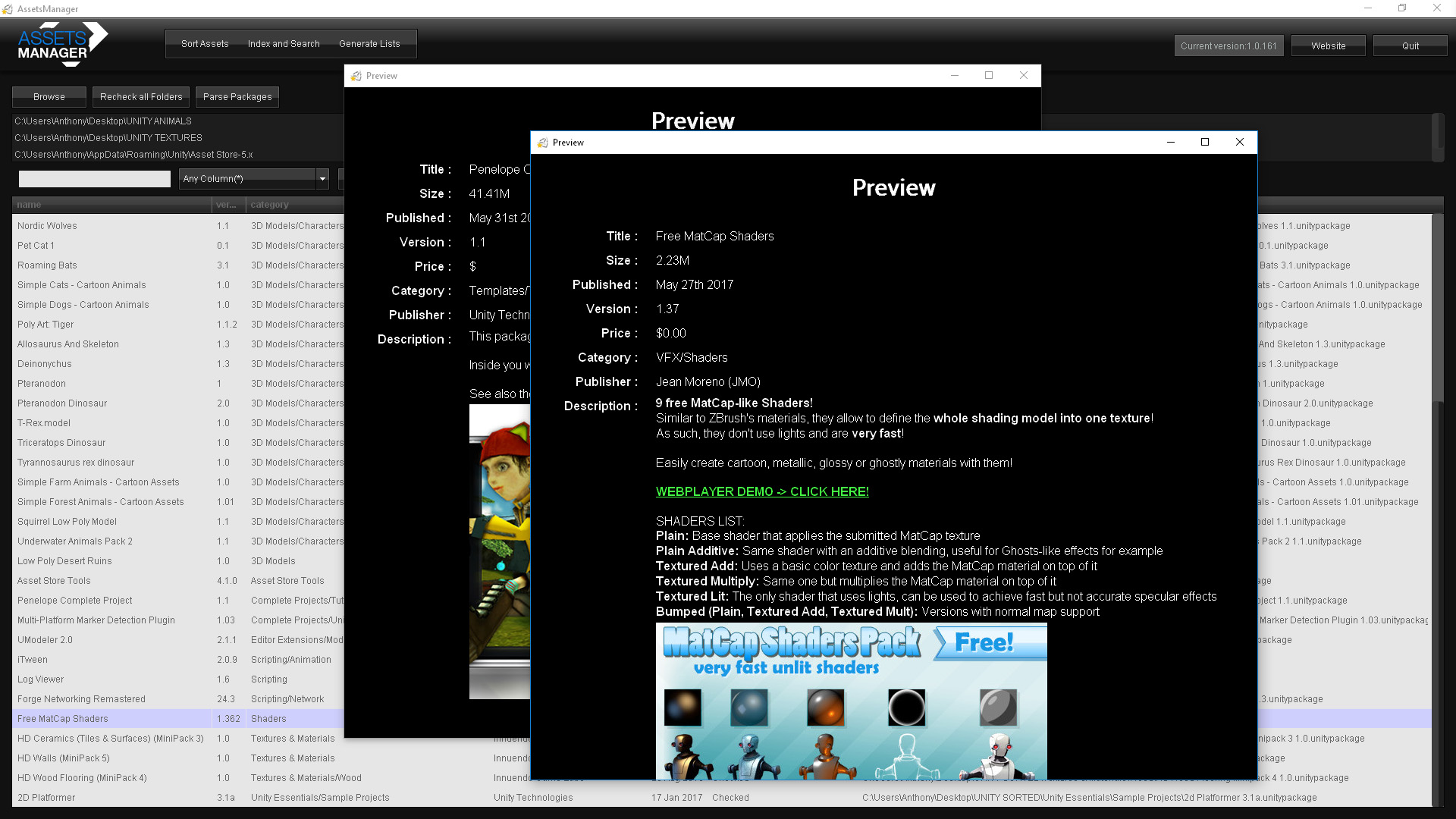
Assets Manager
v1.5.223