
AI Commenter
AI Commenter
Unity Asset • Version 1.0.1 • Updated October 7th 2024
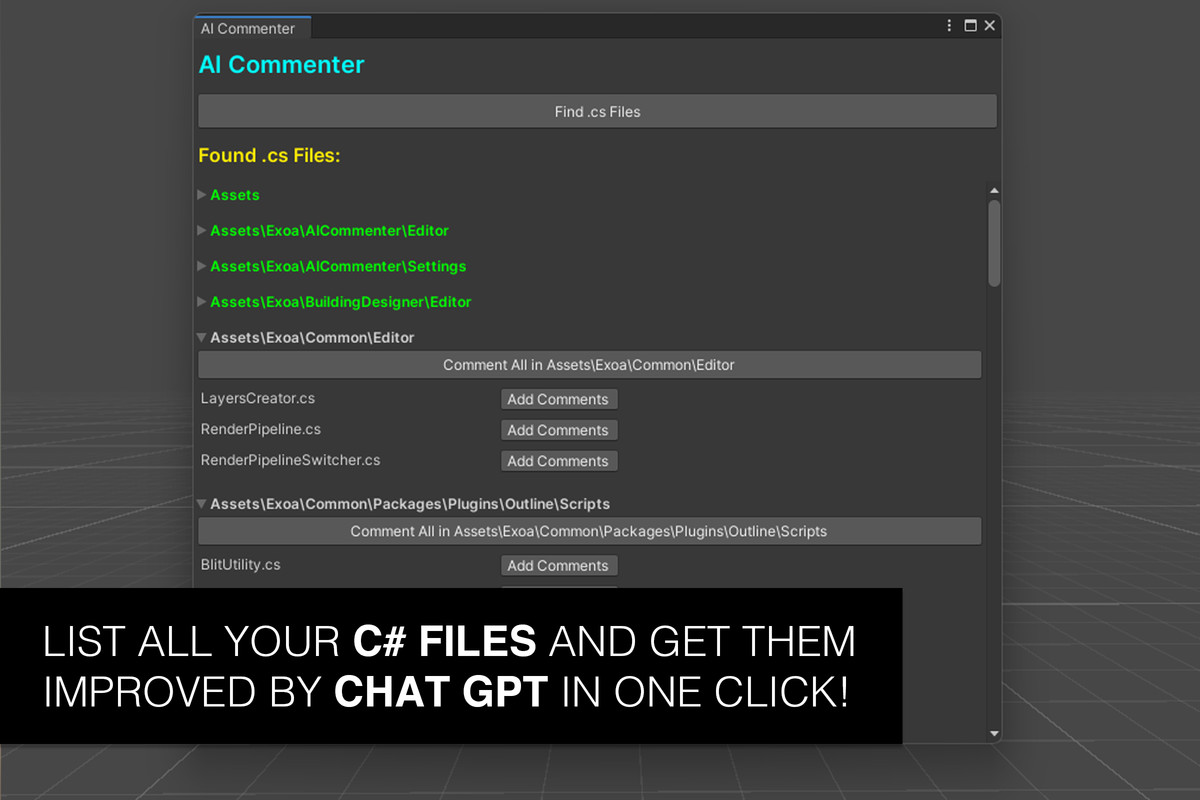
AI Commenter automates the part of code cleanup nobody enjoys: writing docstrings and comments across an existing codebase. It lists every C# file in your project in a hierarchical editor window, lets you queue files individually or by folder, and sends them through ChatGPT to add docstring comments around classes, methods, and accessors, or to simplify and reshape code that's gotten messy.
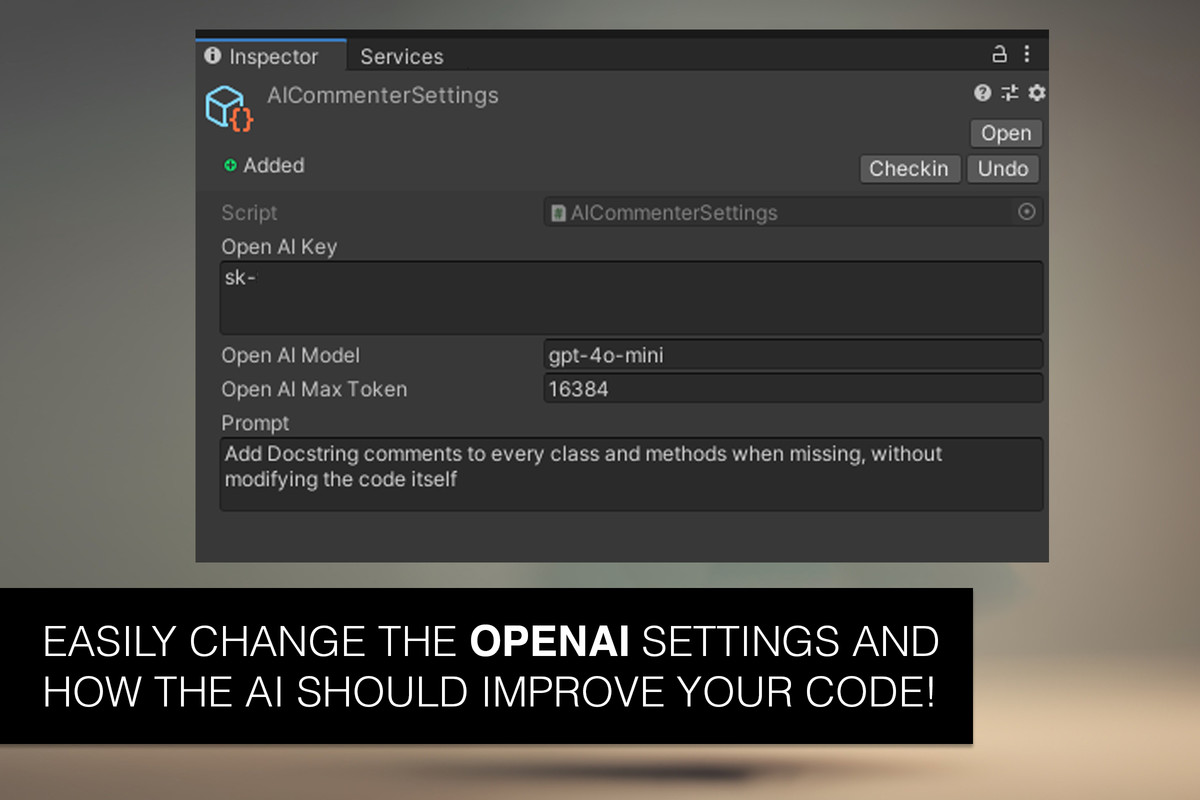
The prompt sent to ChatGPT is fully editable via a Scriptable Object, so you can tune it toward your team's comment style or coding conventions instead of accepting a fixed default.
Useful if you've inherited a legacy codebase with little documentation, need to hand a project off to a new team member or client, or want to clean up prototype code before it goes into production.
What's included
- Hierarchical file browser for your project's C# files
- Per-file or per-folder batch processing with a queue
- Editable ChatGPT prompt via Scriptable Object settings
- Automatic docstrings, readability improvements, and code reshaping
Common questions
Does it send my whole project to ChatGPT at once? No. Files are queued individually or by folder, so you control exactly which scripts get processed and can review changes incrementally instead of in one large batch.
Can I change the style of comments it generates? Yes. The prompt sent to ChatGPT is exposed as an editable Scriptable Object, so you can match your team's existing comment conventions instead of a fixed default style.
Will it change my code's logic, or only add comments? It's built for documentation and readability: adding docstrings and comments, and simplifying or reshaping code that's gotten messy, rather than changing game logic or behavior.
Screenshots

AI Commenter
v1.0.1